Home Internet Help: Wi-Fi, Routers and Speed
HomeNetCompass helps you fix slow internet, improve Wi-Fi coverage, set up routers, test speeds, understand broadband basics, and solve home internet problems in plain English.


Clear answers for home internet
Practical guides for fixing slow internet , improving wi-fi coverage, setting up routers, and understanding broadband without jargon
Start Here
Choose the problem you want to fix first
Learn how to improve weak coverage around your home.
Find common causes of slow speeds and what to check first.
Simple setup, reset, and placement guidance.












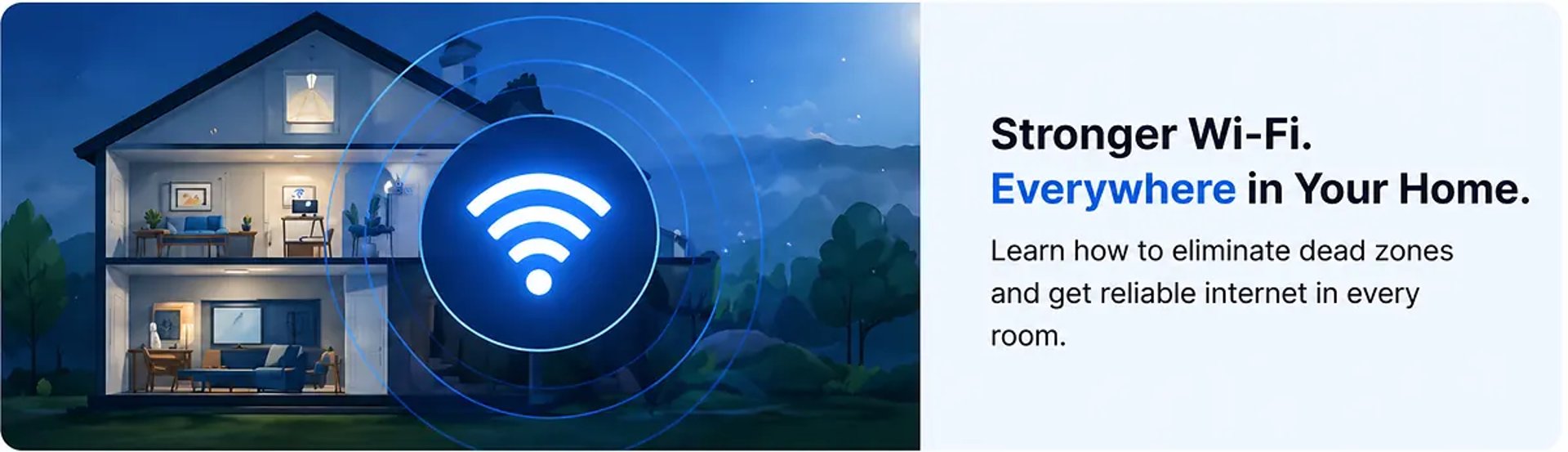
Start With These Guides
Learn the most common causes of slow internet and how to fix them step by step.
Simple ways to improve weak Wi-Fi coverage and eliminate dead spots.
Understand the difference and choose the right setup for your home.
Latest Guides
How We Help
HomeNetCompass publishes plain-English guides for regular home internet users. We help you fix slow internet, improve Wi-Fi coverage, set up routers, understand broadband basics, and make better internet decisions.
We focus on practical steps, clear explanations, and honest guidance. We do not use fake reviews, fake ratings, or misleading claims.
Common Home Internet Questions
Slow internet can come from Wi-Fi coverage, device issues, router placement, Ethernet problems, or provider-side issues.
The issue is usually distance, walls, interference, router placement, or a weak mesh node location.
If you have separate devices, restart the modem first, then the router. If you have one gateway, restart that one box.
If Ethernet stays online, the issue is likely Wi-Fi-side, router-side, mesh-side, or interference-related.
Place it halfway between the main router and the weak area, not inside the dead zone.
